
How to Check du Data Balance: SMS, USSD Code, App & Online
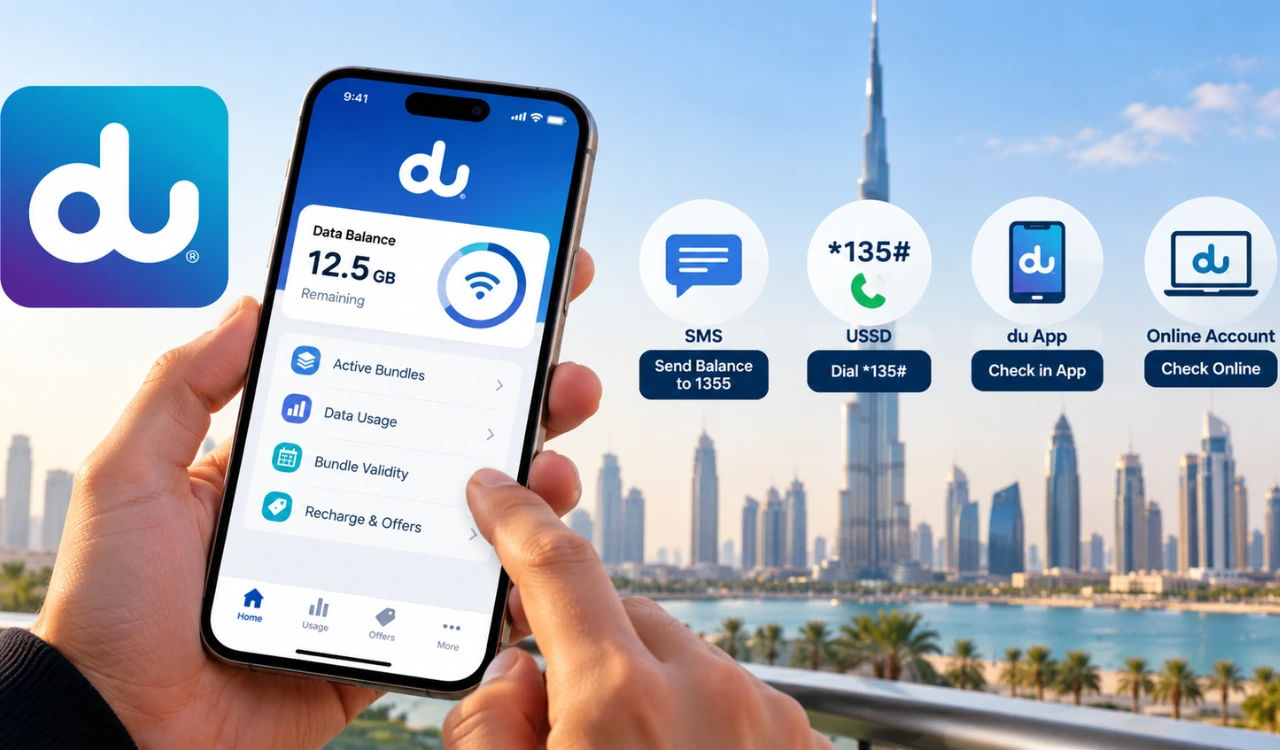
Checking your du data balance in the UAE helps you keep track of your remaining internet and avoid running out of data before your package expires. You can check your balance by SMS, use the *135# USSD code, open the du app, or sign in to your online account.
If you do not have mobile internet, SMS and USSD are useful options because they work through your mobile network. The du app and online account let you review data usage and active bundles. This guide explains the steps for prepaid and postpaid users, including how to check data balance, bundle validity, and available offers.
Quick Ways to Check du Data Balance
You can check your du data balance in the UAE by sending an SMS, using the du app, or signing in to your online account. For a quick SMS check, send Balance to 1355. du also provides the *135# self-service menu for managing your mobile line. Choose the method that suits your needs and check your remaining data before your bundle runs out.
| Method | Code or details | Internet required? |
|---|---|---|
| SMS | Send Balance to 1355 | No |
| USSD menu | Dial *135# | No |
| du app | Sign in and open data usage | Yes, or Wi-Fi |
| Online account | Visit the official du website and sign in | Yes |
| Customer care | Call 155 from a du mobile | No mobile data needed |
How to Check du Data Balance by USSD Code
The *135# USSD code gives du prepaid customers access to a self-service menu for checking their balance and managing mobile services. You can use this method without mobile internet. Open your phone’s dialler, enter the code and follow the options displayed on your screen.
Steps to Check Data Balance Using a du Code
- Open the Phone app on your mobile.
- Dial *135# using your du SIM.
- Press the call button.
- Follow the menu options to find your balance or data usage.
- Read the information displayed on your screen.
What to Do If the USSD Menu Does Not Show Data Usage
If you cannot find your remaining data in the USSD menu, open the du app or sign in to du My Account to view your usage. Check that your du SIM is selected for the call and that your phone has a mobile network signal. If the problem continues, contact du customer care on 155.
How to Check du Data Balance by SMS
You can check your du data balance by sending an SMS from your mobile phone. This method does not require mobile internet, so it is useful when your data allowance is low.
Steps to Check du Data Balance Through SMS
- Open the Messages app on your phone.
- Create a new text message.
- Type Balance in the message field.
- Send it to 1355.
- Read the reply from du for your account balance information.
Which SMS Keyword and Number Should You Use?
Send Balance (or BAL) to 1355 from your du number. Some websites list other numbers, such as 1335, but use 1355 unless du confirms otherwise. If you do not receive a reply, check the keyword and number, then use the du app or contact customer care.
How to Check du Data Balance Using the du App
The du app lets you check your remaining mobile data and manage your account in one place. You can also view active bundles, monitor usage and find details about your data plan.
Steps to View Remaining Data in the du App
- Download and open the official du app on your phone.
- Sign in using your du mobile number and complete any required verification.
- Select your mobile line if you have more than one number.
- Open the Balance, Usage or Data section to view your remaining allowance.
How to View Active Bundles and Data Usage
Open the data or usage section to review your active data bundles and consumption details. Check the allowance and validity shown for each package to understand how much data remains and when the bundle expires. You can also use the app to explore available data add-ons or recharge options if you need more internet.
How to Check du Data Balance Online
You can check your du data balance online through the official du website. This option is useful if you prefer using a computer or want to review your account details in a browser.
Check Data Usage Through Your du Online Account
- Visit the official du website.
- Open the account login option.
- Sign in using your registered account details and complete any required verification.
- Open the usage or account overview section to view your data information.
Information Available in the Online Account
Your online account can help you review mobile data usage, active bundles and account details. Postpaid customers can also access billing information. Check the relevant plan details to find your remaining allowance and bundle validity.
How to Check du Data Balance for Postpaid Users
du postpaid customers can check their mobile data usage through the du app or their online account. These options help you track your consumption during the billing cycle and see how much of your plan’s data allowance remains.
Check Postpaid Data Usage and Remaining Allowance
Open the du app and sign in with your registered mobile number. Select your postpaid line and open the data or usage section. You can also sign in to your account on the official du website to review your usage details and plan information.
Difference Between Data Balance and Postpaid Bill
Your data balance shows the internet allowance remaining in your plan, while your postpaid bill shows the amount charged during the billing period. Check both figures regularly to track your data consumption and keep an eye on your monthly expenses.
How to Check du Data Balance Expiry Date
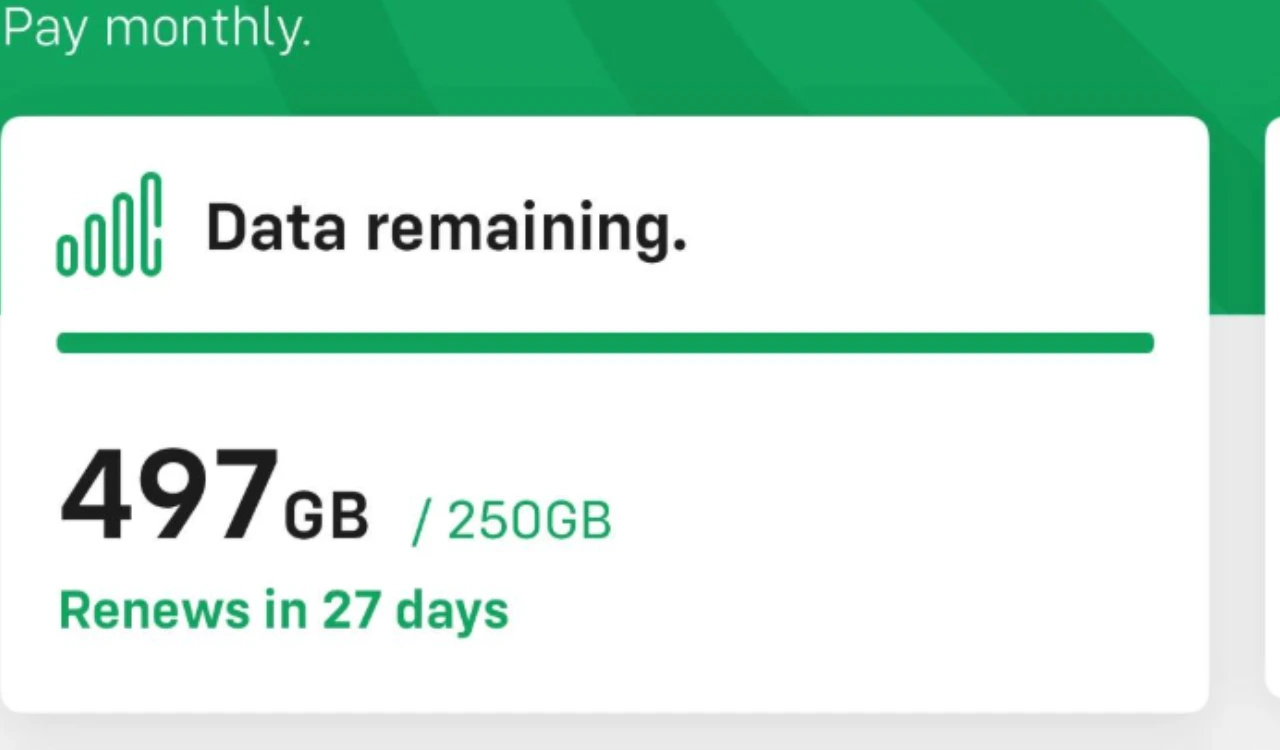
Checking your du data bundle’s expiry date helps you use your remaining internet allowance before the package expires. You can find validity details in the du app by opening your mobile line and viewing the active data bundle.
Find Your Data Bundle’s Validity
Sign in to the du app and open the Data or Usage section. Select your active package to view its remaining allowance and validity details. Check the expiry date before buying another bundle or renewing your current plan.
Daily Data Allowance vs Monthly Data Bundle
A daily data plan provides a set allowance for each day, while a monthly bundle provides data for a longer validity period. Check your package terms to understand when the allowance resets and when unused data expires.
How to Check du Data Offers and Active Bundles
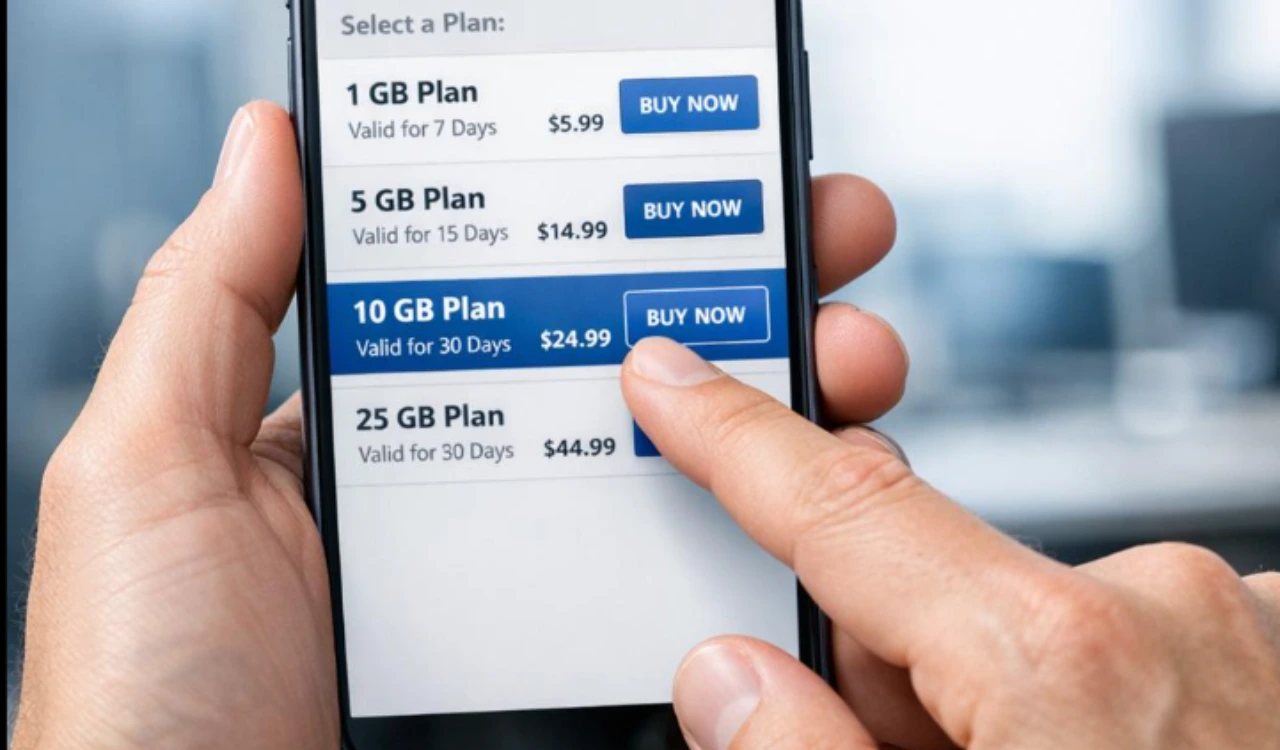
The du app lets you review your active data packages and explore offers available for your mobile number. Checking these details helps you track your remaining allowance and choose an additional package when you need more internet.
View Active Data Packages
Open the du app and sign in to your account. Select your mobile line and go to the Data or Usage section. Review your active bundles, remaining allowance and validity details to see which package is currently providing your mobile data.
Check Available Data Offers for Your Number
Open the offers or packages section in the du app to view available data deals. You can also dial *135# and explore the relevant menu options. Offers can differ between mobile numbers, so review the package allowance, price and validity before activating a plan.
Why Is Your du Data Balance Check Not Working?
If you cannot check your du data balance, the problem could be related to your network signal, SMS request, or app connection. Try these fixes before contacting customer support.
USSD Code Not Working
Check that your du SIM has a network signal and dial *135# again. If you use a dual-SIM phone, select your du line for the call.
SMS Balance Request Not Receiving a Reply
Confirm that you sent the correct keyword to 1355. Wait briefly and try again. If the message still fails, use the du app to view your data usage.
du App Showing Incorrect or Outdated Data
Refresh the app, check your internet connection and reopen your account. Recent package activations can also cause temporary differences between displayed balances.
How to Contact du Customer Support
If the issue continues, call du customer care on 155 from your du mobile number for help with your account and data balance.
Tips to Manage Your du Mobile Data Usage
Keep track of your remaining data with these simple steps:
Set data warnings: Use your phone’s settings to receive alerts when your mobile data usage reaches a chosen limit.
Restrict background data: Turn off background data for apps that do not need constant internet access.
Use Wi-Fi: Connect to Wi-Fi for video streaming, large downloads and app updates.
Check bundle validity: Review your du app before your package expires so you can plan your next recharge or data bundle.
FAQS
How to Check du Data Balance by SMS?
Send an SMS with the word Balance to 1355 from your du mobile number. Follow the instructions in the reply to view your account balance information.
What Is the du Data Balance Check Number?
Dial *135# to access the du self-service menu. Follow the displayed options to find balance or data usage information. You can also send Balance to 1355 for an SMS response.
How to Check du Data Balance Without Internet?
Dial *135# from your du SIM or send an SMS with Balance to 1355. Both methods work without mobile internet, provided your SIM can access the mobile network.
How to Check du Data Balance for Postpaid?
Open the du app and sign in with your registered mobile number. Select your postpaid line and open the Data or Usage section to view your consumption and remaining allowance. You can also sign in to your du online account.
How to Check du Data Balance Expiry Date?
Open the du app, select your active data package and look for its validity details. The expiry date tells you when the bundle ends, while the remaining data shows how much internet allowance you have left.
How to Check du Data Offers?
Open the du app and visit the offers or data packages section to explore available deals. You can also dial *135# and follow the relevant menu options. Review the price, data allowance and validity before activating a package.
Conclusion
Checking your du data balance regularly helps you track your remaining internet, monitor bundle expiry dates, and avoid running out of data unexpectedly. Use the du app, USSD code, SMS, or online account to check your usage and choose the method that works best for you.