
How to Open FAB iSave Account Online?(No Minimum Balance 2026 Guide)

Are you looking for an easy way to open a bank account from your home? Apply for the FAB iSave Account Online. It’s one of the easiest ways to start saving money without visiting a bank branch. Many people in the UAE prefer this method because it is fast and simple. You only need your mobile phone or computer.
Apply for the FAB iSave Account Online to open a savings account with First Abu Dhabi Bank (FAB) in just a few minutes. You do not need long paperwork or a long waiting time. In this guide, you will learn everything step by step. So, keep reading carefully.
What is an FAB iSave Account?
The FAB iSave Account is a digital savings account offered by First Abu Dhabi Bank. It helps people save money and earn interest on their savings. This account is very easy to open online. You do not need to visit any branch.
This account is made for people who want safe savings and easy banking. You can open it using the FAB mobile app or FAB website. It works completely online, which makes it very simple for users in the UAE.
Also, this account allows you to deposit money anytime. You can withdraw money whenever you want. There are no strict rules or limits. This makes it very flexible for users.
Benefits of Applying for an FAB iSave Account Online
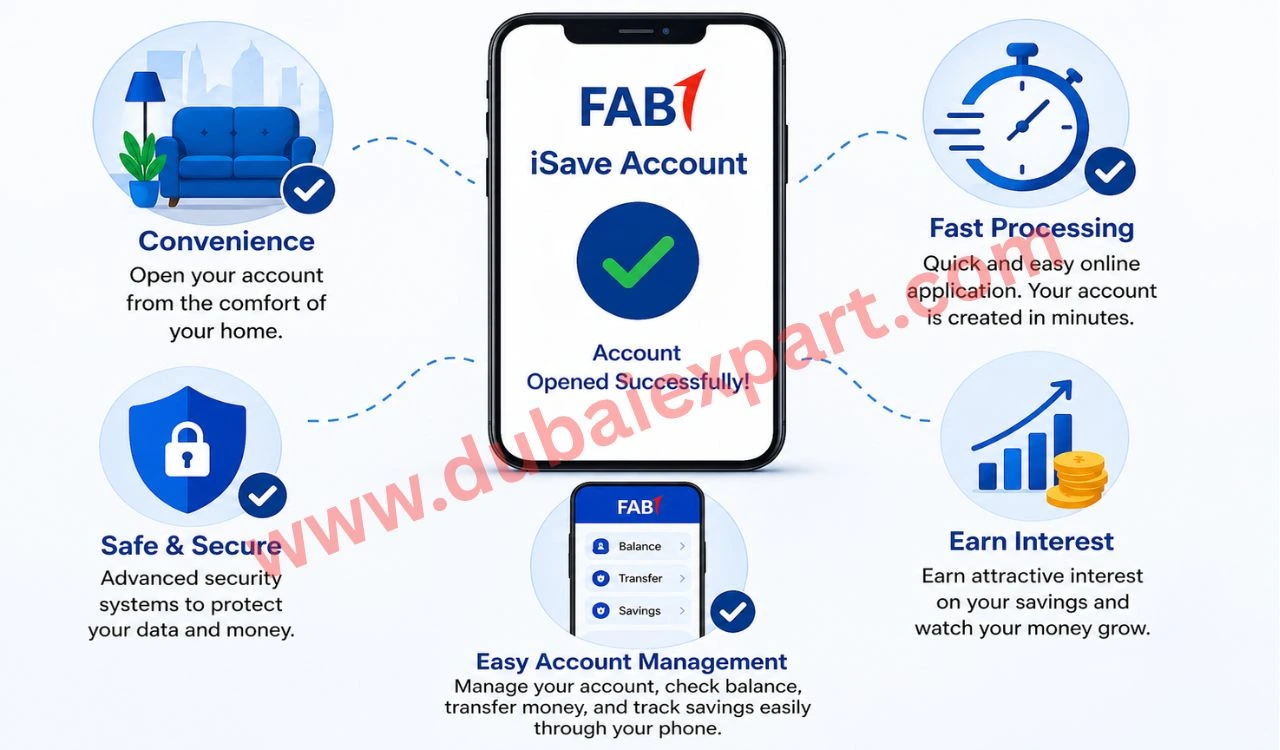
One big benefit is convenience. You can open the account from home. You do not need to go anywhere. This saves your time and effort.
Another benefit is fast processing. The online application takes only a few minutes. After that, your account is created quickly. Also, it is very safe. FAB uses strong security systems. Your data and money stay protected.
In addition, you can earn interest on your savings. This helps your money grow without extra work. You can manage everything through your phone. You can check your FAB balance, transfer money, and track your savings easily.
Eligibility to Apply for the FAB iSave Account Online
To apply, you must be a UAE resident. You need a valid Emirates ID. Without it, you cannot open the account. Also, the account is only for individuals. Businesses cannot apply for it. It is made for personal use only.
You must also be above the minimum required age. Usually, adults can apply easily. In addition, you should have a valid mobile number and email. These are used for verification. If you meet all these conditions, you can apply without any problem.
Documents Required
You need a few simple documents.
- First, your Emirates ID is required. This is the most important document.
- Second, you need a passport copy in some cases. This helps verify your identity.
- Third, you need a valid UAE mobile number. It is used for OTP verification.
- Also, an active email address is required. You will get updates on it.
Sometimes, FAB may ask for extra documents. So always keep your details ready.
Step-by-Step Process to Apply for an FAB iSave Account Online
- First, open the FAB website or mobile app. Make sure your internet is working.
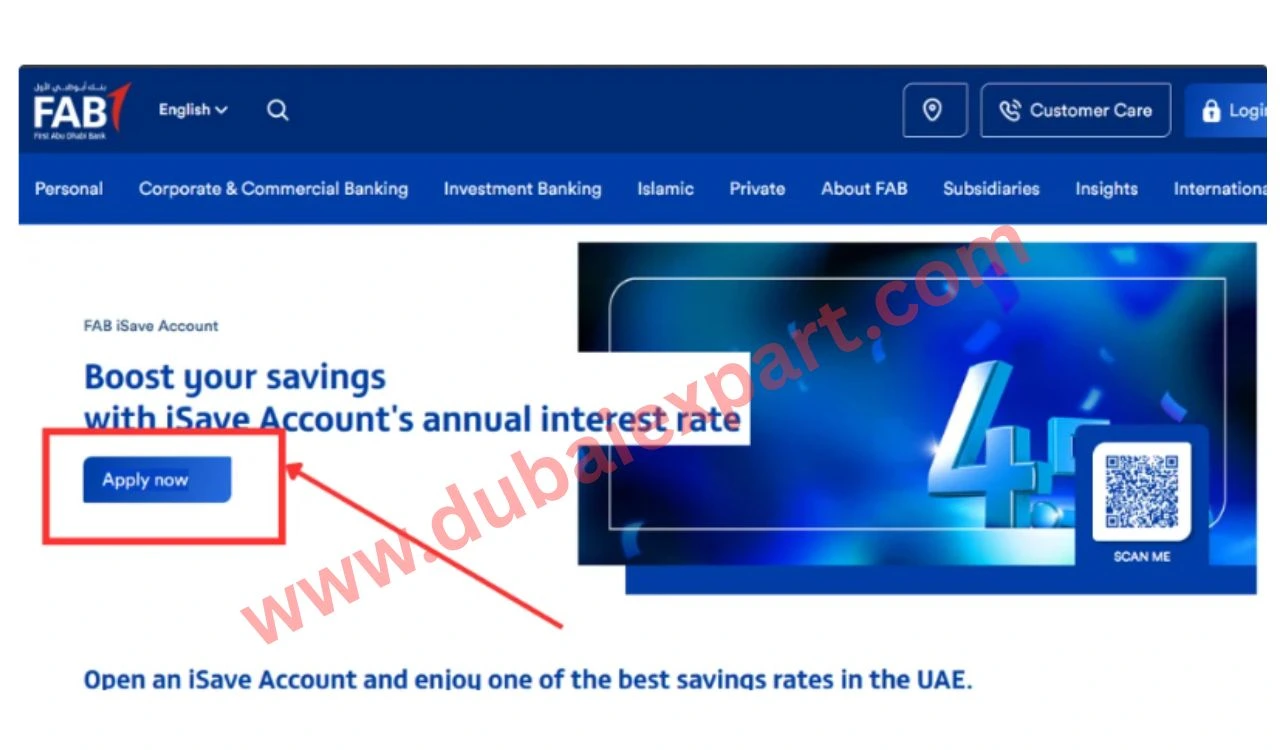
- Then click on the “Apply Now” button. This will start your application process.
- Next, fill in your personal details like name, phone number, and email.
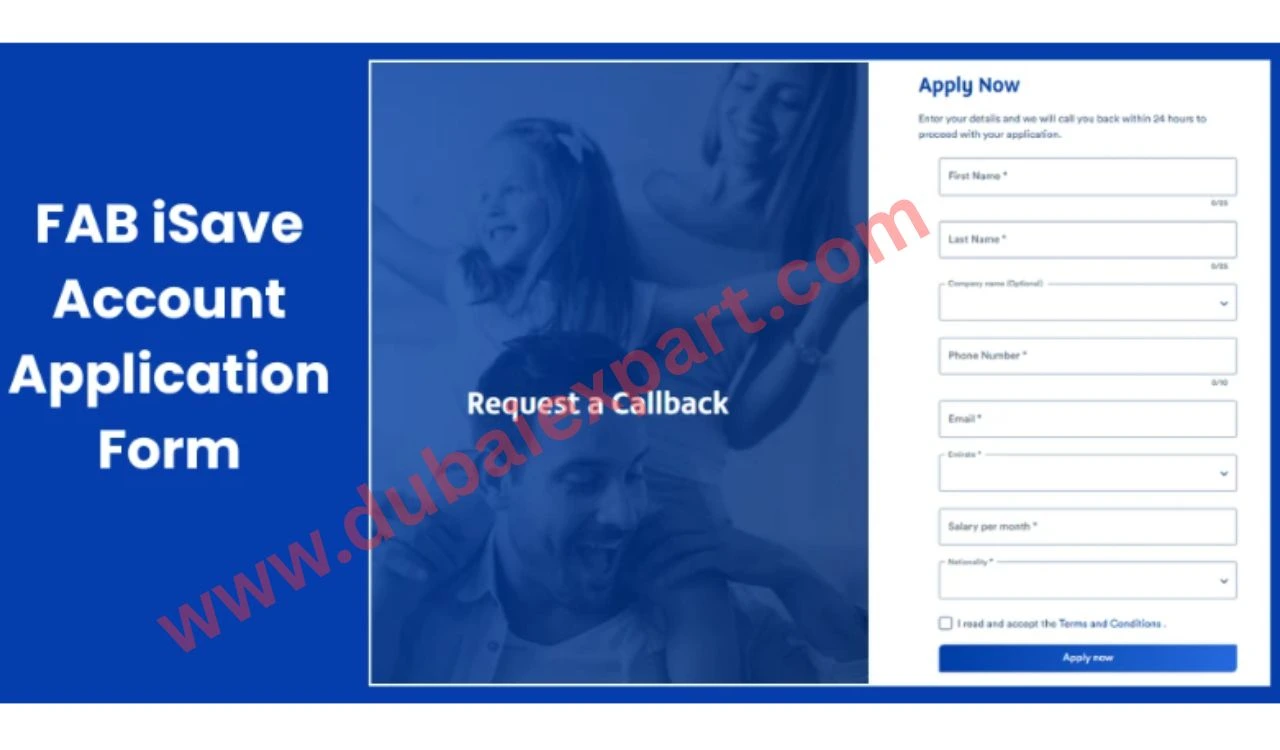
- After that, enter your Emirates ID number carefully.
- Then select your nationality and emirate.
- Now check all your details again. Make sure there are no mistakes.
- After that, click the submit button.
- Then wait for OTP verification on your phone.
- Enter the OTP to confirm your identity.
- Finally, submit your application and wait for approval.
Apply via FAB Mobile App
- First, download the FAB mobile app from the Play Store or App Store.
- Then open the app and click the login or register option.
- After that, enter your mobile number and verify it with OTP.
- Next, go to the “Open Account” section.
- Select “iSave Account” from the list.
- Now fill in your personal details carefully.
- Then upload your Emirates ID if required.
- After that, confirm all details.
- Submit your application.
- Finally, wait for a confirmation message from FAB.
Apply via the Online Banking Website
- First, open the FAB official website on your browser. Then click on the login option. Enter your username and password.
- After logging in, go to the “Accounts” section. Select “Open New Account”. Then choose iSave Account.
- Fill in all required details step by step. Upload documents if needed. Verify your identity using OTP. Finally, submit the form and wait for approval.
Features of the FAB iSave Account
- This account gives high interest on savings. This helps your money grow.
- It has no minimum balance requirement. You can start with any amount.
- You can withdraw money anytime without restrictions.
- It supports online and mobile banking.
- It is available in UAE currency (AED).
- It is very easy to manage through the app.
- It gives a fast account opening process.
- It is safe and secure for users.
- You get instant updates on transactions.
- It is designed for simple savings.
FAQs
1. Can I open an FAB iSave Account online?
Yes, you can open it using the app or the website.
2. Is an Emirates ID required?
Yes, it is mandatory.
3. How long does approval take?
Usually, a few minutes to hours.
4. Is there a minimum balance?
No, there is no minimum balance.
Conclusion
Apply for FAB iSave Account Online, apply for FAB iSave Account Online is the easiest way to start saving money in the UAE. Applying for an FAB iSave Account Online gives you a fast, safe, and simple way to open your savings account without any stress. You can do everything from your phone or computer.
Related Guide