
How to Transfer Money from Ratibi Card – Easy Methods Explained

Do you want to know an easy way to send money using your salary card in the UAE? Transfer Money from Ratibi Card is a simple and safe way to send money to bank accounts, wallets, or family. Many workers in the UAE use this card every day. It helps people manage money without a bank account.
It is great for salary users and makes sending money quick and simple. In this guide, you will learn everything step by step. So, keep reading!
What is Ratibi Card?
The Ratibi Card is a prepaid salary card issued by First Abu Dhabi Bank (FAB). It is mainly used in the UAE for salary payments. It is designed for workers who do not have a bank account. This card works like a digital wallet. You can receive your salary directly into it and manage your funds easily. It is also important to regularly check your balance using a Ratibi balance check to stay updated before making any transfers.. You can also use it for shopping, withdrawals, and money transfers.
It is very simple to use. You do not need to visit a bank branch. Everything can be done easily using mobile or exchange services. Also, it is safe and secure. Your money stays protected in the system. Many companies in the UAE use it for employee payments. It is a helpful financial tool for daily use.
Why Transfer Money from Ratibi Card?
There are many reasons to use this card for transfers.
- First, it is very fast. You can send money in minutes.
- Second, it is very easy. You do not need bank paperwork.
- Third, it is cheap. Transfer fees are low compared to banks.
- Also, it is very flexible. You can send money anytime.
- It helps workers send money to their home countries.
- It also supports local payments in the UAE.
- It is safe and trusted by many users.
- Even beginners can use it easily.
- It is a smart way to manage salary money.
- It saves time and effort.
Methods to Transfer Your Ratibi Card Balance
Here are some methods to transfer your Ratibi card balance:
1. Transfer Money Using the FAB Mobile App
- Open your mobile phone and connect to the internet.
- Download and install the FAB Mobile App from the store.

- Open the app after installation
- Log in using your username and password
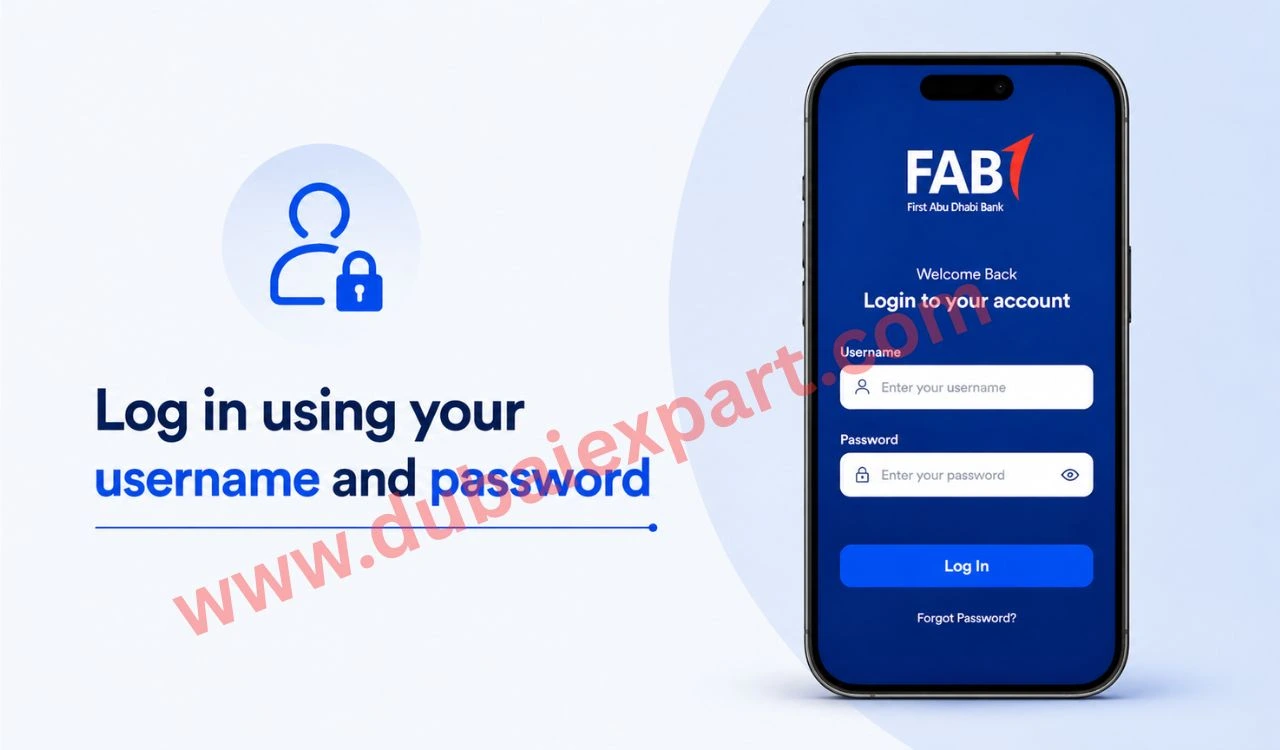
- Verify login with OTP sent to your phone
- Go to the “Payments” or “Transfers” section
- Select the “Send Money” option
- Enter recipient details carefully.
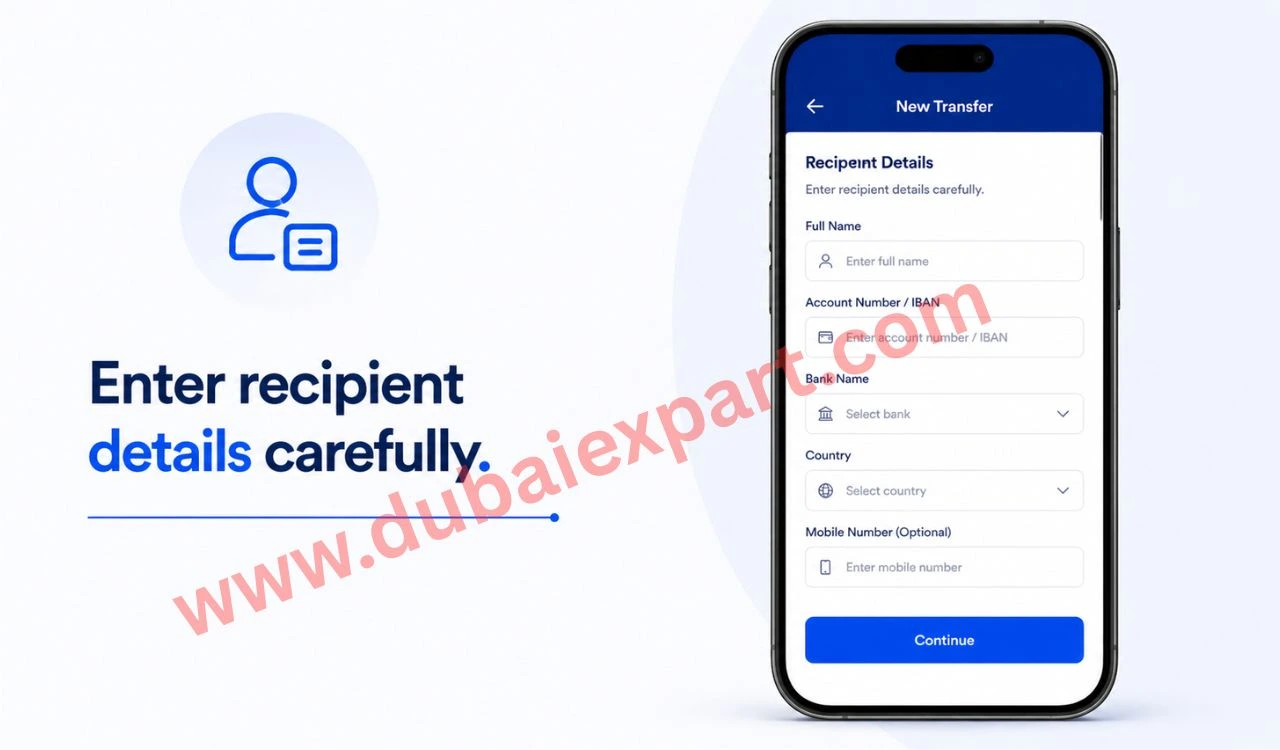
- Enter the transfer amount and check details.
- Confirm the transaction with OTP and complete the transfer
2. Transfer Money Using Online Banking
- Open your browser on a mobile or a computer
- Go to the FAB official online banking website. Click on the login option.
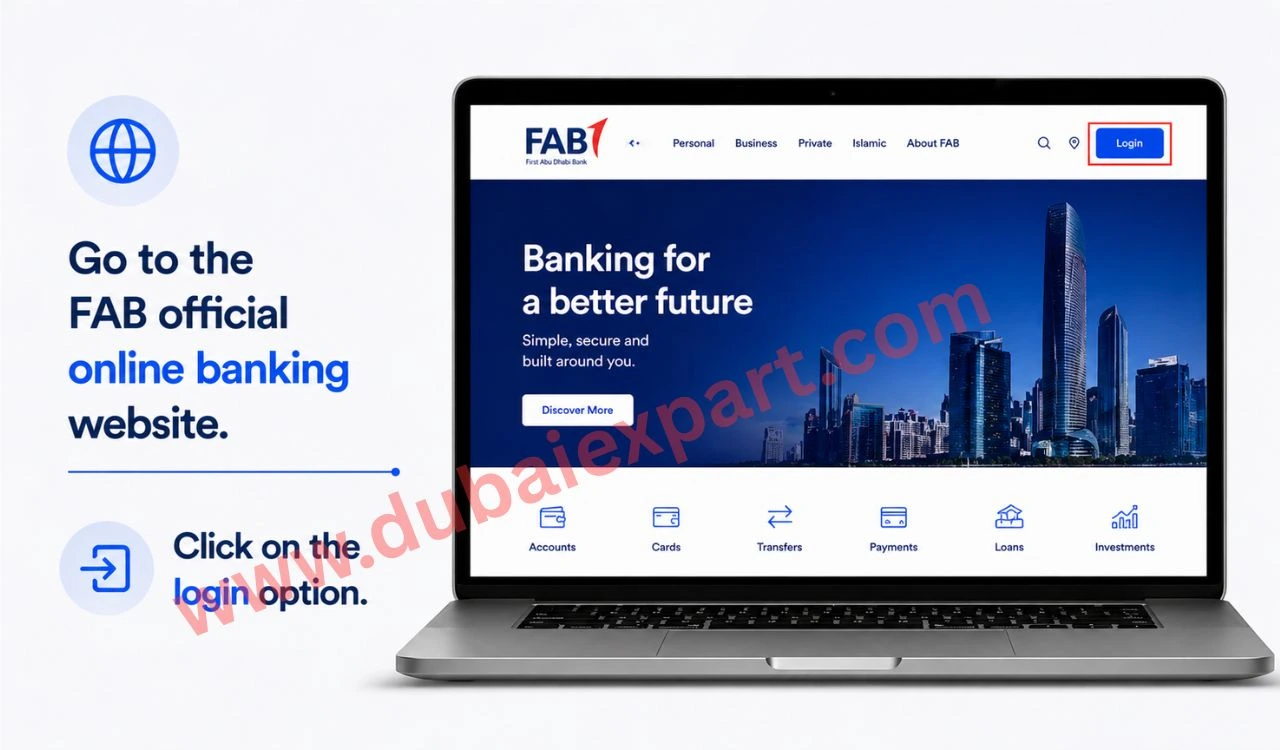
- Enter your account username and password
- Verify login using OTP. Open the “Transfers” or “Payments” menu
- Select the “New Transfer” option. Enter receiver bank details or IBAN
- Add transfer amount and review details
- Confirm the transaction and save the receipt
3. Transfer Money via Exchange Houses
- Visit the nearest exchange house branch. Take your Emirates ID or passport
- Go to the customer service counter. Tell the agent you want to transfer money
- Provide Ratibi card details. Give the receiver information carefully
- Mention the transfer amount. Check fees and exchange rate
- Confirm details with the agent. Collect the receipt after the transaction
4. Transfer Money Using Mobile Wallet (Payit)
- Download Payit app or a supported wallet app. Open the app on your phone
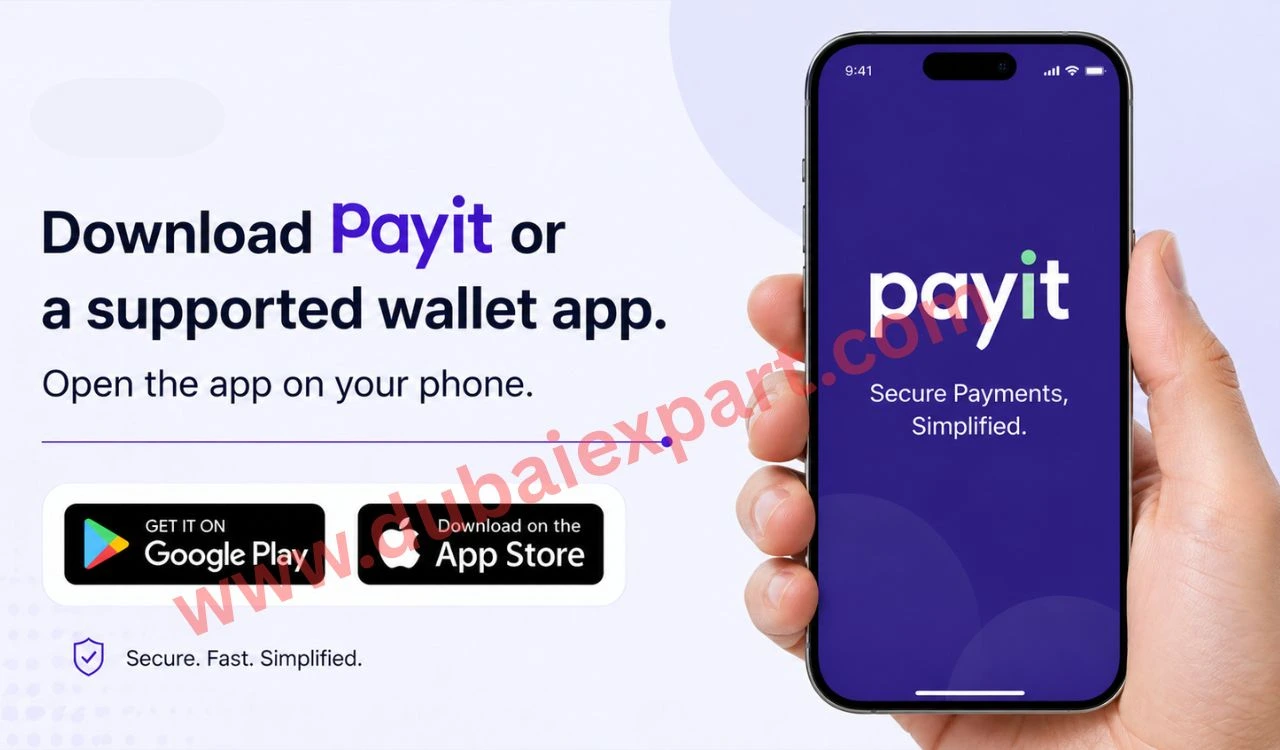
- Register using your mobile number and ID. Complete verification process
- Link your Ratibi card to your wallet. Go to the “Send Money” option
- Select or add receiver details. Enter transfer amount. Review all details carefully
- Confirm transfer using OTP or PIN
Benefits of Using Ratibi Card
- It is very fast and simple to use, so you can transfer money in just a few minutes without any complicated steps or long waiting time.
- It helps you stay in control because you can easily perform a FAB balance check anytime.
- No bank account is needed, which makes it very helpful for workers who do not use traditional banking services in the UAE.
- It has a low transfer cost, so you can send money to family or friends while saving on extra charges.
- It is a safe and secure system, because it uses OTP, PIN, and verification steps to protect your money.
- It offers easy mobile access, so you can send money anytime using your phone from anywhere.
- It works anytime and anywhere, so you are not limited by bank opening hours or location.
FAQs
1. What is the Ratibi Card used for?
Ratibi Card is a prepaid salary card issued by FAB. It is used to receive a monthly salary safely. It also helps in shopping, cash withdrawal, and money transfer.
2. Can I transfer money from Ratibi Card easily?
Yes, you can transfer money very easily from the Ratibi Card. You can use the FAB Mobile App, online banking, exchange houses, or mobile wallets like Payit.
3. Do I need a bank account to use the Ratibi Card?
No, you do not need a bank account to use the Ratibi Card. This is one of the biggest benefits of this card. It is specially designed for people who do not have a traditional bank account.
Conclusion
Transfer Money from Ratibi Card is a smart and reliable way to send money in the UAE without needing a traditional bank account. As explained in this guide, the Ratibi Card offers multiple easy methods like mobile apps, online banking, exchange houses, and wallets to make transfers quick and secure.
By using Transfer Money from Ratibi Card regularly, users can enjoy fast transactions, low fees, and full control over their salary funds. Whether you are sending money locally or internationally, this card makes the process simple, safe, and convenient. Overall, it is an ideal solution for workers who want an easy and efficient way to manage and transfer their money anytime, anywhere.
Related Guide