
Du Number Check Code: Official Ways to Find Your du SIM Number
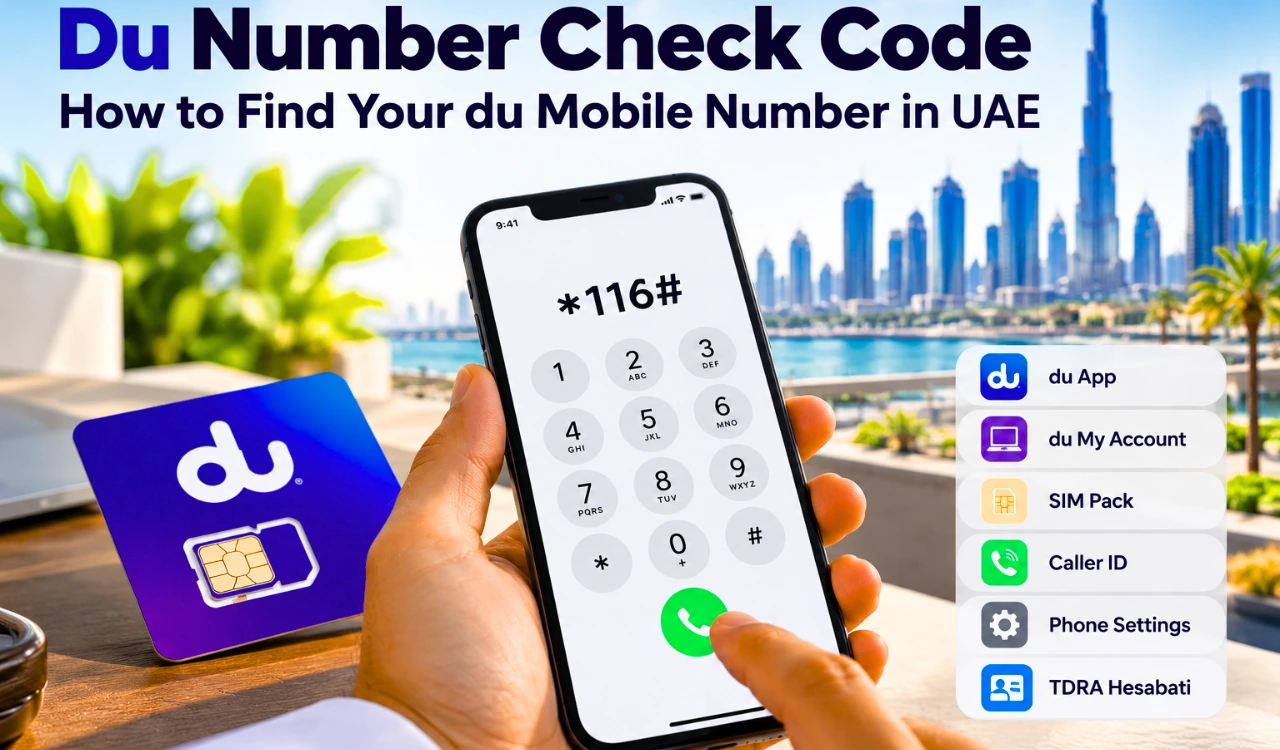
People searching for a du number check code often find *116# on UAE information websites. The problem is that this code does not appear on du’s current public support pages. It might still respond on some lines, but it should not be treated as the official answer without confirmation from du.
The safer methods are the du App, your account details, the original SIM pack, caller ID, and du customer support. UAE residents can also use TDRA Hesabati to see every active number registered under their Emirates ID.
Du Number Check Code: The Short Answer
*116# is the code published by several third-party UAE websites. To test it, open the dial pad, enter *116#, select the du SIM, and press call.
Treat it as a quick test rather than a guaranteed du service. No current public du page was found confirming it as the operator’s official number-check code.
| What you need | Method |
|---|---|
| Number of the SIM inside your phone | du App or account |
| A quick offline test | Try *116# |
| Number printed with a new SIM | SIM pack or sales receipt |
| Number from an active calling line | Call another phone |
| Every active line under your identity | TDRA Hesabati |
| Help with an inactive line | Call 155 or visit a du store |
Check Your Mobile Number in the du App
The du App is the first place to check when you have internet access and can sign in.
Open the app and select the mobile account shown on its home screen.If several lines are attached to one profile, choose the line that matches the SIM in your phone.
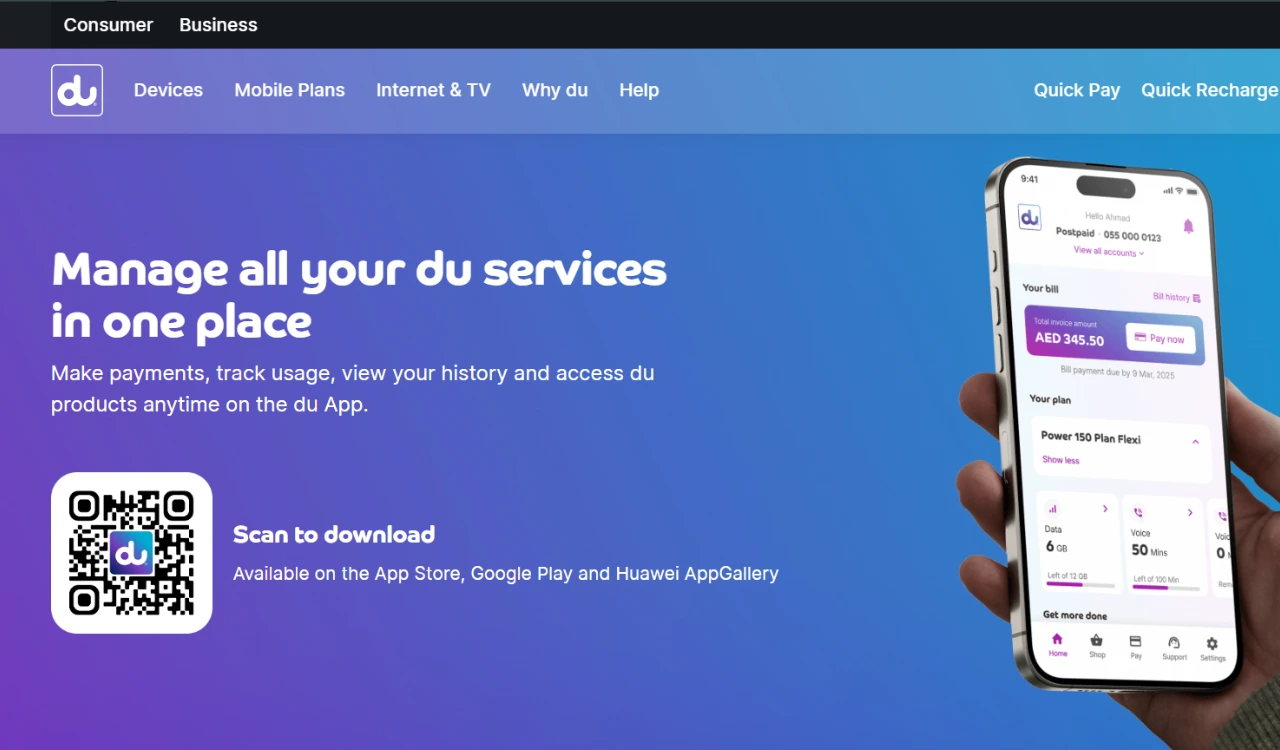
The official app supports prepaid recharge, postpaid bill payments, usage checks, plan changes, add-ons, account management, chat support, and store appointments. Your account number and line details appear with the selected mobile service.
Download the app only from Google Play or Apple’s App Store. Avoid APK files or login pages sent through messages, especially when they ask for an OTP or UAE Pass details.
Use du My Account
A browser is another option when the app is not installed. Visit the official du My Account page and sign in to view your profile and mobile services.This method suits customers who manage several prepaid or postpaid lines. Match the account details with the SIM you are trying to identify before saving the number.
If you cannot sign in because you have forgotten both the number and password, move to the physical SIM records or contact du.
Read the SIM Pack or Activation Papers
A new du SIM usually comes with a plastic holder, welcome paper, receipt, or activation record. Check these documents for a UAE mobile number beginning with 05.
Do not mistake the ICCID for the phone number. The ICCID is a long SIM serial, normally printed near the barcode. It identifies the physical SIM or eSIM profile but is not the number people use to call you.
Tourists using a du Tourist SIM should keep the SIM pack until the line expires. It helps when the phone has not connected to the network or the app account has not been set up.
Find the Number Through Caller ID
If outgoing calls work, ring a phone nearby and read the caller ID on its screen. You can also send a normal text message and ask the recipient to share the number shown.
This method depends on an active line, available calling or SMS service, and visible caller ID. It will not work if the SIM is suspended or outgoing communication is blocked.
Check the Number in Phone Settings
Android and iPhone devices sometimes store the mobile number inside their SIM settings.
For Android, try:
Settings → About phone → SIM status
Samsung, Xiaomi, Google Pixel, and other brands use different menu names. Look for “Phone number,” “SIM number,” or “My phone number.”
For iPhone, try:
Settings → Phone → My Number
You may also find it under:
Settings → Cellular → Select the du line
A blank field or “Unknown Number” does not mean the SIM has no number. This field is sometimes missing or editable, so it is not reliable proof of the assigned line.
Is There a Du Number Check SMS Code?
Different websites publish contradictory SMS instructions. Some tell readers to send getmymsisdn to 9296; another suggests Number to 1355; other sites say no SMS method exists.
du has not confirmed any of these commands, so do not rely on them. Sending a message to an unknown or outdated short code could return an error or activate an unrelated menu. Use the official account and support routes instead.
Find a Du Number on a Dual-SIM Phone
Before checking a number, identify which slot contains the du SIM. Open the phone’s SIM manager and look at the network name for SIM 1 and SIM 2.
If you decide to test *116#, select the du line when the phone asks which SIM to use. Where no selection box appears, set du as the temporary calling line. You can return to the previous setting afterward.
For an eSIM, make sure its profile is turned on. Do not delete the eSIM merely because its number is missing from settings. Restoring a deleted profile could require operator assistance.
Check All Numbers Registered Under Your Emirates ID
The du App shows services connected to your du account. It does not replace an identity-wide registration check across UAE operators.
Use the official TDRA Hesabati service when you need to inspect all active mobile and fixed numbers registered under your Emirates ID.
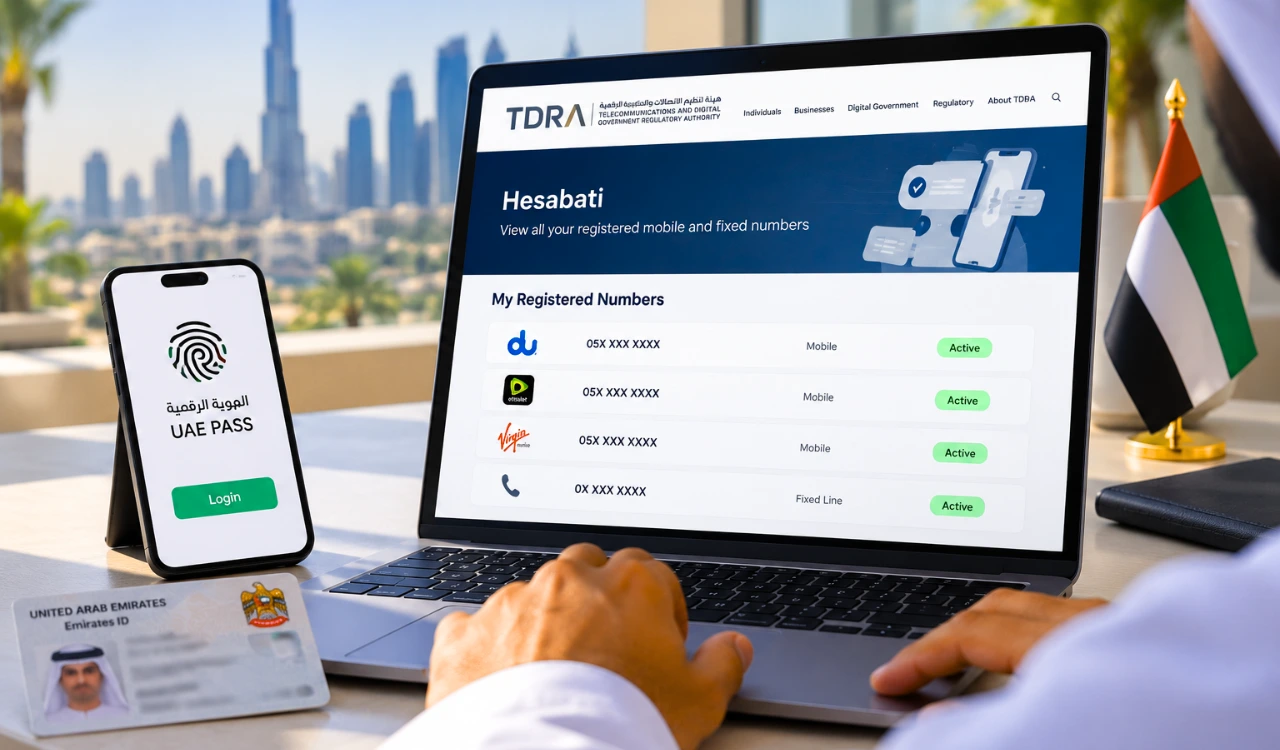
Sign in through UAE Pass, choose Hesabati, and open the account list. TDRA states that:
- The service is free.
- It is for Emirates ID holders.
- No documents are required.
- Only active numbers appear.
- It covers UAE service providers, not just du.
Report any number you do not recognise to the operator or TDRA. Hesabati only shows accounts tied to your identity; it does not reveal the owner of somebody else’s number.
When the SIM Is Inactive or the Number Is Still Missing
An inactive, expired, unregistered, or suspended SIM might not connect to du’s network. In that situation, codes and caller ID will not solve the problem.
Call official du support on 155 inside the UAE. du lists +971 55 5678155 for customers calling from overseas. You can also use online chat or take your Emirates ID and SIM to a du store.
Keep the SIM serial, sales receipt, and Emirates ID ready. The representative needs to verify that the line belongs to you before discussing its registration.
Protect Your Subscriber Information
A phone number does not give the public access to its owner’s name, Emirates ID, home address, or live location. Websites promising this information should not receive your identity documents, UAE Pass login, bank details, or OTP.
For a line registered in your own name, use du or TDRA. For harassment, fraud, or an unknown SIM registration, save the evidence and report the case through the operator or the relevant UAE authority.
FAQS
What is the du number check code?
Several third-party sites publish *116#, but it is not shown on du’s current public support pages. Try it only as an offline shortcut; use the du App or official support for confirmation.
How do I find my du number without balance?
Check the SIM pack or phone settings. You can also test *116#, although du does not currently list it publicly.
Can I check my du number online?
Yes. Sign in through the du App or du My Account and select the correct mobile line.
How do I check a du eSIM number?
Open the du App or select the eSIM under the phone’s cellular settings. Keep the eSIM profile installed.
Can I see every SIM registered under my Emirates ID?
TDRA Hesabati displays active mobile and fixed numbers linked to your Emirates ID across UAE providers.
Can I find the owner of another du number?
No public du or TDRA service reveals another subscriber’s private identity. Hesabati is limited to numbers registered under your own Emirates ID.
Conclusion
The safest route is to check the du App or du My Account. Keep the SIM packaging as a second reference and use caller ID when outgoing calls work. *116# remains a third-party-published shortcut, not a code confirmed on du’s current public support pages. For registration questions, call 155; for all active lines under your identity, use TDRA Hesabati.